
What Clarix does: managed IT and AI automation, from one company
One company, two divisions. One keeps your systems healthy day to day; the other takes repetitive work off your team’s desk.
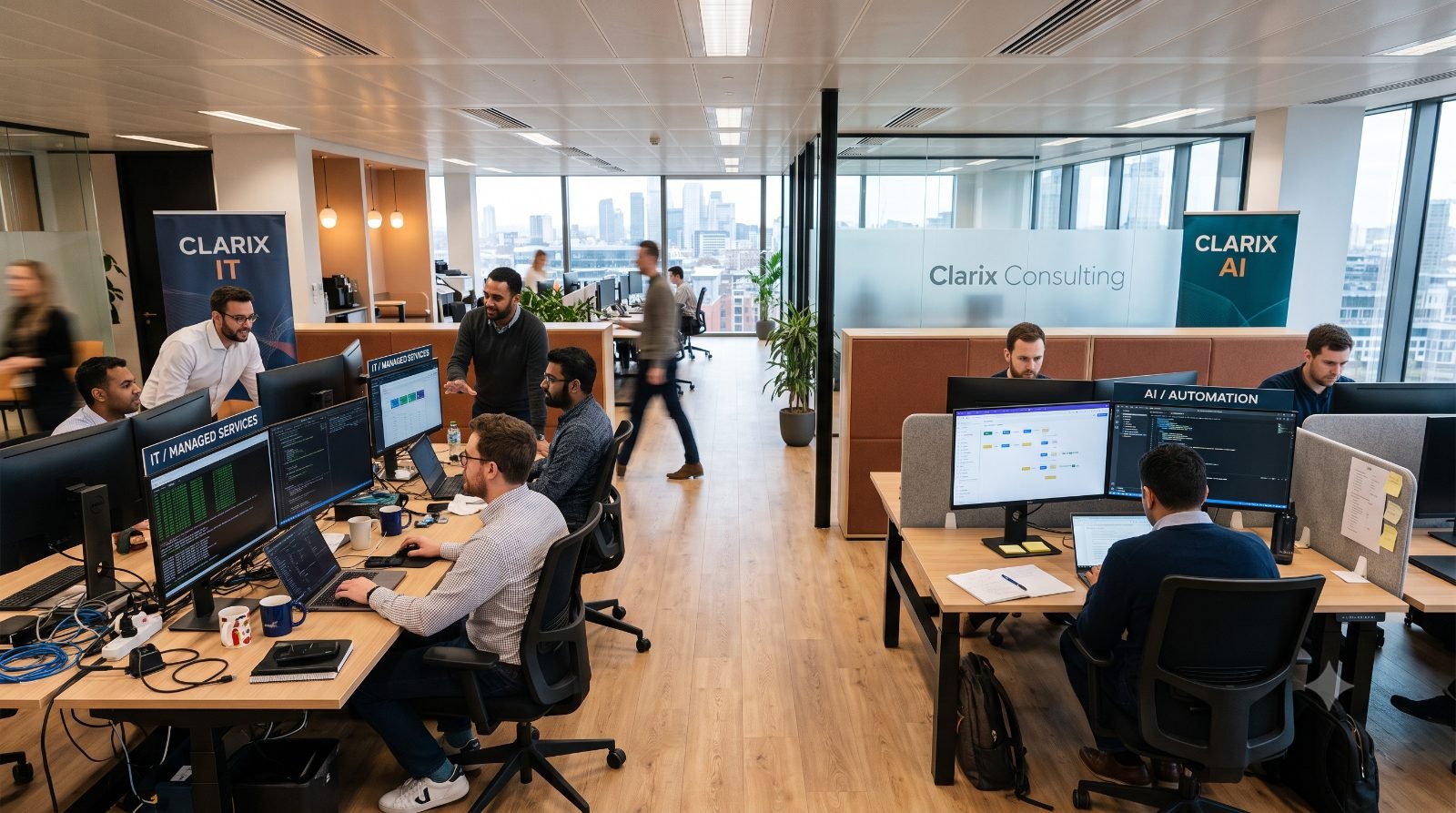
At a glance
- Clarix IT — support, security, backups and the infrastructure your business runs on. Fixed monthly retainer.
- Clarix AI — automation of the repetitive work your team does by hand. Fixed-scope projects.
- Hire either on its own. One account, one point of contact, one monthly report.
- The first audit is free, takes an hour, and you keep the write-up.
Clarix is an Albion-based company with two service lines. They are different kinds of work, sold separately, delivered by different engineers — and they share everything they know about your business. This is what each one covers, and how to tell which one you need.
Clarix IT — keeping the systems healthy
This is the continuous, responsive half of the business. If something is broken, slow, insecure or about to renew, it belongs here.
- Helpdesk and user support — a number to call, with agreed response times rather than best efforts.
- Devices and accounts — laptop setup, joiners and leavers, and an offboarding process that actually closes every account.
- Microsoft 365 and Google Workspace — administration, mailbox security, sharing policy and licensing.
- Networks and Wi-Fi — the office layer that everyone notices only when it is bad.
- Cybersecurity — multi-factor authentication, endpoint protection, access reviews, and the payment controls we described in this case from Port Louis.
- Backup and restore testing — including quarterly restores, because a backup nobody has restored is not a backup.
- Licensing and procurement — right-sizing what you pay for, quarterly, as in the licence audit piece.
It is priced as a fixed monthly retainer based on users and devices, and it comes with a monthly report that says what happened, what was tested, and what is coming.
Clarix AI — removing the repetitive work
This is project work with a scope and a date. It starts by mapping what your team actually does, not by choosing a tool.
- Document and invoice processing — reading supplier documents, matching them, and posting the routine ones. The design work sits in the exceptions, which we wrote about here.
- Data movement between systems — the spreadsheet somebody re-keys every Monday because two systems do not talk.
- Approval and routing workflows — quotes, purchase requests, leave, onboarding.
- Recurring reporting — the pack that takes two days a month to assemble and is out of date by the time it lands.
- Internal assistants — search across your own procedures, contracts and past quotes. Usually higher value than a customer-facing bot, for reasons we set out in this article.
Quoted as a fixed-scope build, followed by a small monthly figure for monitoring and rule tuning. We will tell you when the payback is not there — that conversation is part of the free review.
How to tell which one you need
| What you are feeling | Where it belongs |
|---|---|
| Things break and nobody owns fixing them | Clarix IT |
| We are not sure our backups would work | Clarix IT |
| The cloud bill keeps climbing | Clarix IT |
| Someone spends two days a month copying data between systems | Clarix AI |
| We are hiring because of admin volume, not growth | Clarix AI |
| We want to automate something, but our access and data are a mess | Both, IT first |
Why two teams rather than one
Managed IT is interrupt-driven. Something breaks, someone responds, the day gets rearranged. Automation work is the opposite: it needs uninterrupted blocks to map a process properly and build something that holds up. Put both on the same people and the automation always loses — every ticket is urgent to the person who raised it, and the build becomes the buffer.
You get two specialist teams and one account. Not one generalist doing both badly.
So each division has its own engineers, its own delivery rhythm and its own site — it.clarix.mu and ai.clarix.mu — and each can be judged on its own terms.
What they share
The client picture. The person automating your invoicing can read how your permissions and file structure are set up without asking you to explain it again. They can see whether multi-factor authentication is enforced on the finance mailbox, and whether the accounting database is in the backup scope and was restored successfully last quarter.
A recent joint project ran like this: IT set up a narrowly-scoped service account and verified the accounting database backup before anything new touched it; AI mapped the process with the finance lead and built the extraction and exception rules; both reviewed the payment-detail control together, because it sits on the boundary between a process rule and a security rule. One conversation about scope, one invoice, and it shipped on the date we gave.
Getting started
The first step is the same either way: a free audit. An hour, on site or remote, looking at whichever half you care about. You get a written summary of what we found and what we would do about it, in priority order, whether or not you go any further. Book a call, or email hello@clarix.mu.
Frequently asked questions
Do we need managed IT before we can automate anything?
No, but we will look at the foundations first. If access control or backups are weak, automating on top of them adds risk rather than removing work, and we will say so.
Do you replace our internal IT person?
Usually we sit alongside them — taking the monitoring, patching, backup testing and out-of-hours load so they can work on the things only an insider can do.
Who do we call when something breaks?
One number, whichever service it relates to. Routing is our problem, not yours.
What size of business do you work with?
Mostly Mauritian SMBs between about ten and a hundred people, across professional services, retail, logistics and light manufacturing.